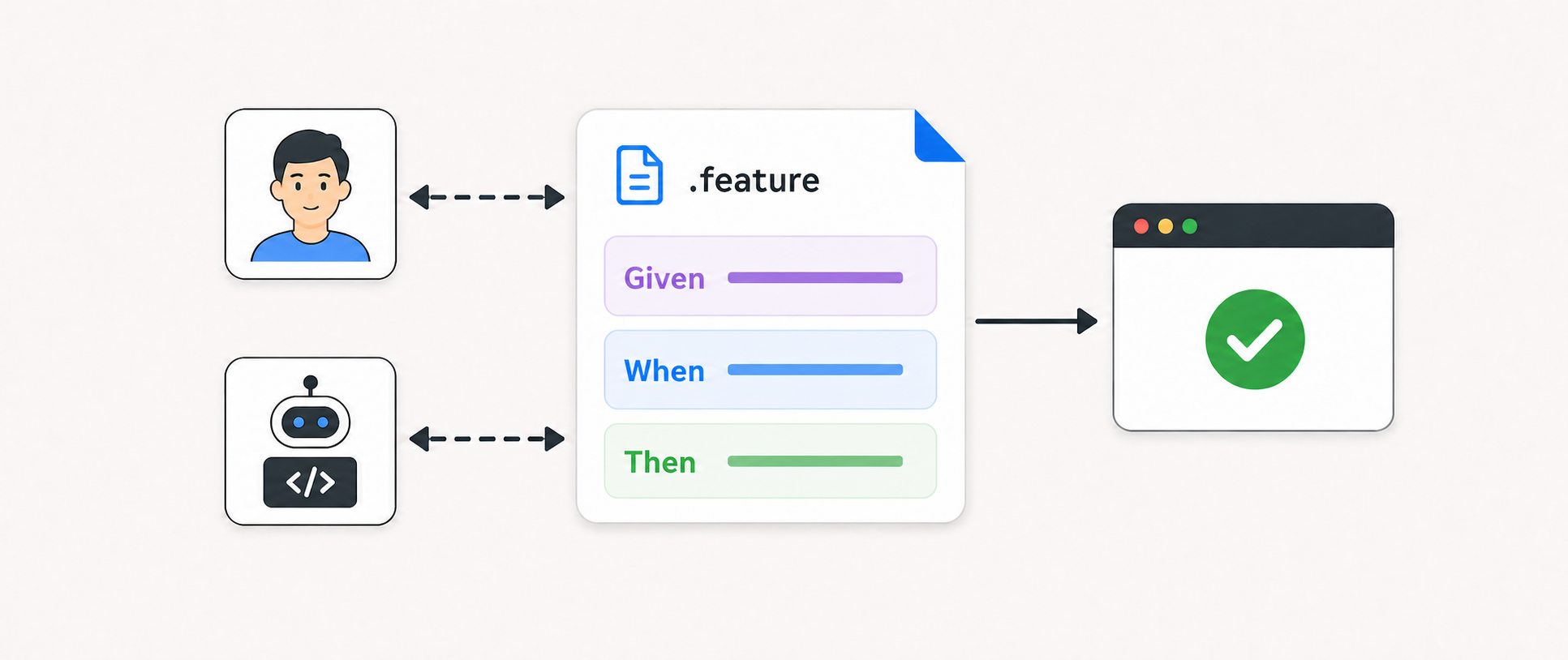
Modern AI agents make writing code the easy part. The harder part is deciding what exactly to build before the agent starts.
That is why Spec-Driven Development (SDD) is getting attention. Tools like GitHub Spec Kit and OpenSpec start with markdown specs that describe the desired changes before the agent writes any code.
I like that direction, but in my own work I prefer a Behavior-Driven Development (BDD) instead. I’m biased here: I have been maintaining Playwright-BDD for three years, so Given / When / Then syntax is already a natural part of my toolbox.
In this post, I share how I use a BDD workflow with coding agents and why I like it more than other spec-driven development approaches.
Demo App
The demo app is a small React app that shows users in a table. The app fetches users from the JSONPlaceholder users API on page load:
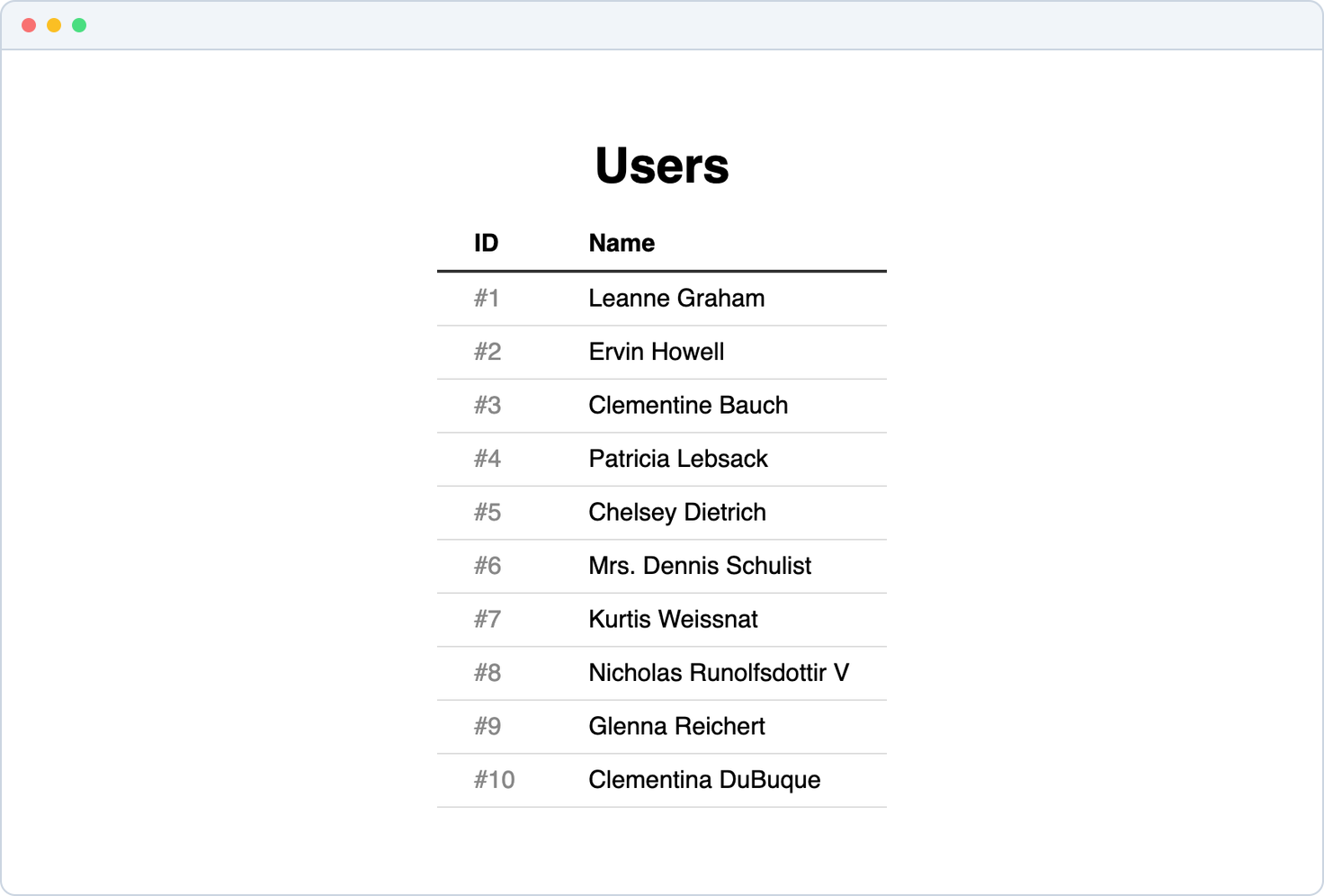
The project already has Playwright-BDD configured, with BDD tests passing:
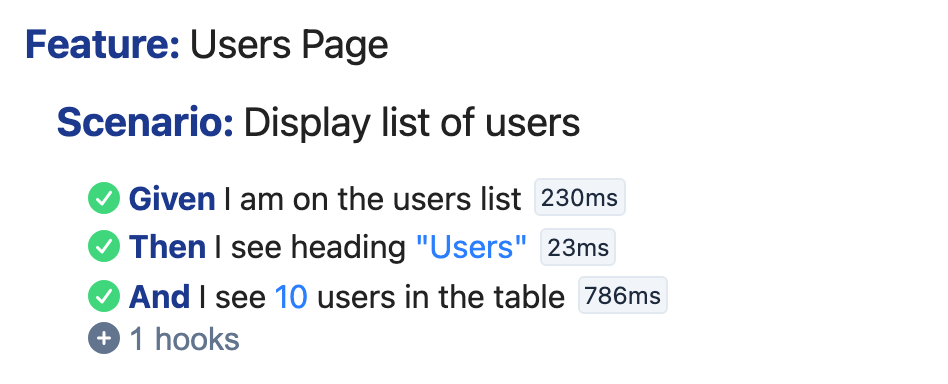
The Change
The change is relatively small: add pagination to the users list. The current app shows all 10 users at once. I want 5 users per page, plus Previous and Next buttons.
I use Codex in the VS Code extension, but the flow should work similarly with other coding agents and platforms. I switch to Plan Mode and write a very simple prompt:
implement user paginationThat is the whole request. I leave the component structure, state model, and button implementation for the agent to work out after we agree on the BDD scenario.
The repo has a Playwright-BDD skill installed, so the agent starts by asking whether this change should include a BDD scenario:
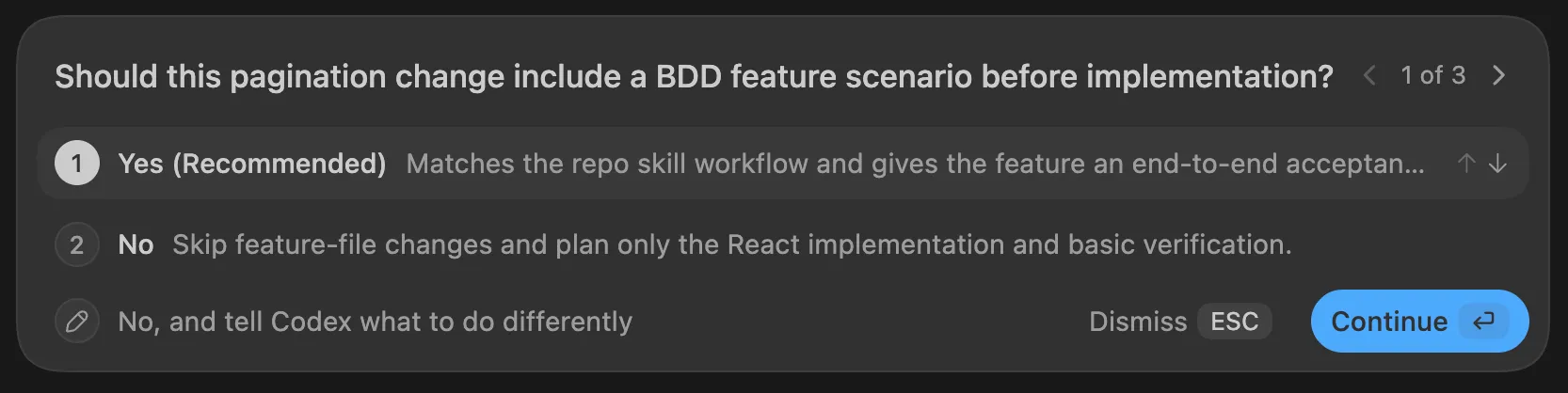
The skill shows this guardrail before any significant feature. In my experience, it is better to ask the user directly instead of guessing whether to apply BDD.
Scenario Proposal
After I confirm that the change should be covered by BDD, the agent proposes an update to the .feature file:
Feature: Users Page
  Scenario: Display list of users  Scenario: Display first page of users    Given I am on the users list    Then I see heading "Users"    And I see 10 users in the table    And I see 5 users in the table    And I cannot go to the previous users page    And I can go to the next users page
  Scenario: Browse user pages    Given I am on the users list    When I go to the next users page    Then I see 5 users in the table    And I see user "Mrs. Dennis Schulist" in the table    And I cannot go to the next users page    When I go to the previous users page    Then I see user "Leanne Graham" in the table    And I cannot go to the previous users page
  Scenario: Show user details    Given I am on the users list
The agent does not write perfect Gherkin on the first try. That is fine. I fine-tune the scenario later to make it cleaner and more readable.
The important point is that this diff becomes the working artifact of the session. It makes the scenario easy to review and refine. A markdown plan can mix requirements, implementation ideas, assumptions, and task lists in one document. A Gherkin diff keeps the discussion focused on the user flow:
- where the user starts (Given)
- what they do (When)
- what they should see (Then)
Iteration
Writing good BDD scenarios is its own art. The first draft is technically reasonable, but it covers several unnecessary details. For example, positive and negative checks for the Previous and Next buttons add noisy steps:
And I cannot go to the previous users pageAnd I can go to the next users pageThose checks are valid, but they make the scenario feel heavy. I want feature files to be simple and easy to read.
👍 Rule of thumb: make your feature files sound like you are explaining the feature to a friend.
I use a few follow-up prompts to simplify the change and make the expected behavior clear to both humans and agents. For example:
Keep a single scenario, just check the user countand the first user name. Then go to the next page,recheck the same, and return via the previous button.Approved Scenario
After a few iterations, the approved diff looks like this:
Feature: Users Page
  Scenario: Display list of users  Scenario: Display list of users with pagination    Given I am on the users list    Then I see heading "Users"    And I see 10 users in the table    And I see 5 users in the table    And the first user is "Leanne Graham"    When I click the next page button    Then I see 5 users in the table    And the first user is "Mrs. Dennis Schulist"    When I click the previous page button    Then the first user is "Leanne Graham"
  Scenario: Show user details    Given I am on the users list
This diff clearly shows the new behavior while keeping the scenario small.
I enjoy planning with an agent through feature files: I can read the flow in one pass, spot what feels wrong, and ask the agent to change wording, steps, or scenario structure. I feel more in control here than with markdown, where I usually stop reading after a few paragraphs and just accept the proposal.
The second reason I invest time in BDD scenarios: I know they eventually become automated tests. The effort produces a more useful artifact than a long markdown document that nobody reads.
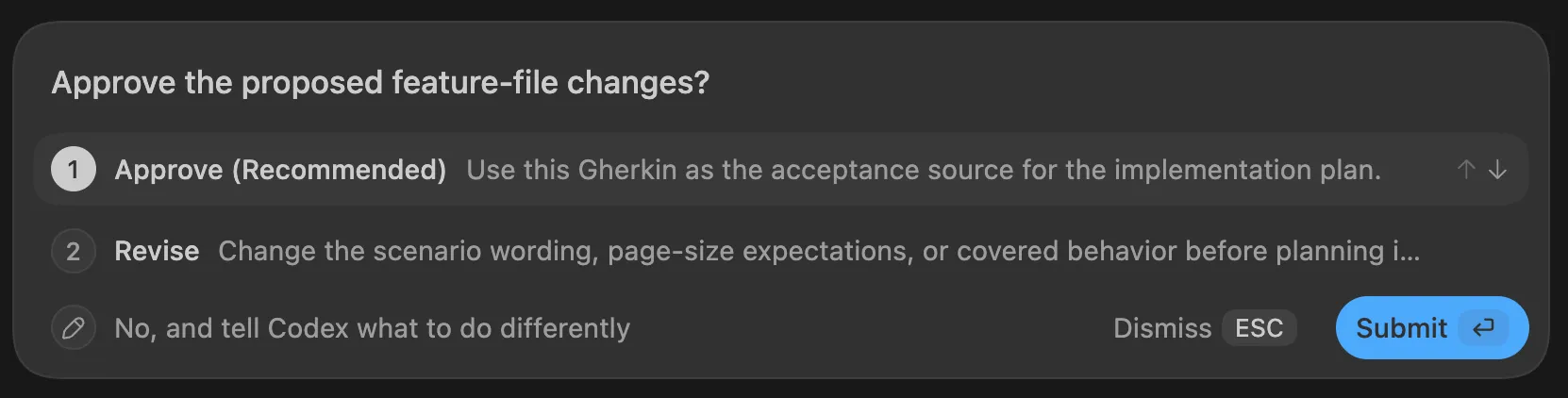
At each iteration, the agent asks me to approve the scenario or continue editing. At this point, I approve it and proceed to implementation:
Implementation
Once the scenario is approved, the agent produces an implementation plan and applies the code changes. The plan is straightforward because the scenario already defines the acceptance behavior. I still review the app diff because BDD guides the work but does not replace engineering expertise.
The agent also implements new step definitions:
When('I click the next page button', async ({ page }) => {  await page.getByRole('button', { name: 'Next page' }).click();});
When('I click the previous page button', async ({ page }) => {  await page.getByRole('button', { name: 'Previous page' }).click();});
Then('the first user is {string}', async ({ page }, name: string) => {  await expect(page.getByTestId('user-row').first()).toContainText(name);});
I try to keep step definition functions short, ideally one-liners. This helps me quickly check that each step does what its text says.
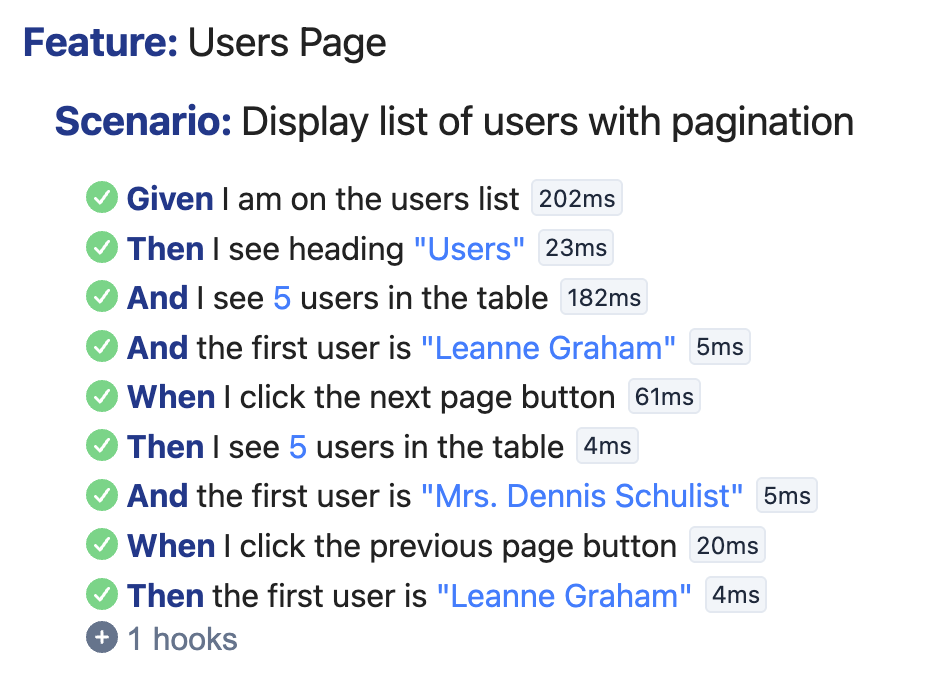
Finally, the agent runs the tests to verify that pagination works. Playwright launches a real browser, starts the app, and performs the actions. The usual Playwright BDD command is:
> npx bddgen && npx playwright test
Running 2 tests using 1 worker  2 passed (2.7s)
The updated scenario appears in the report:
Final App
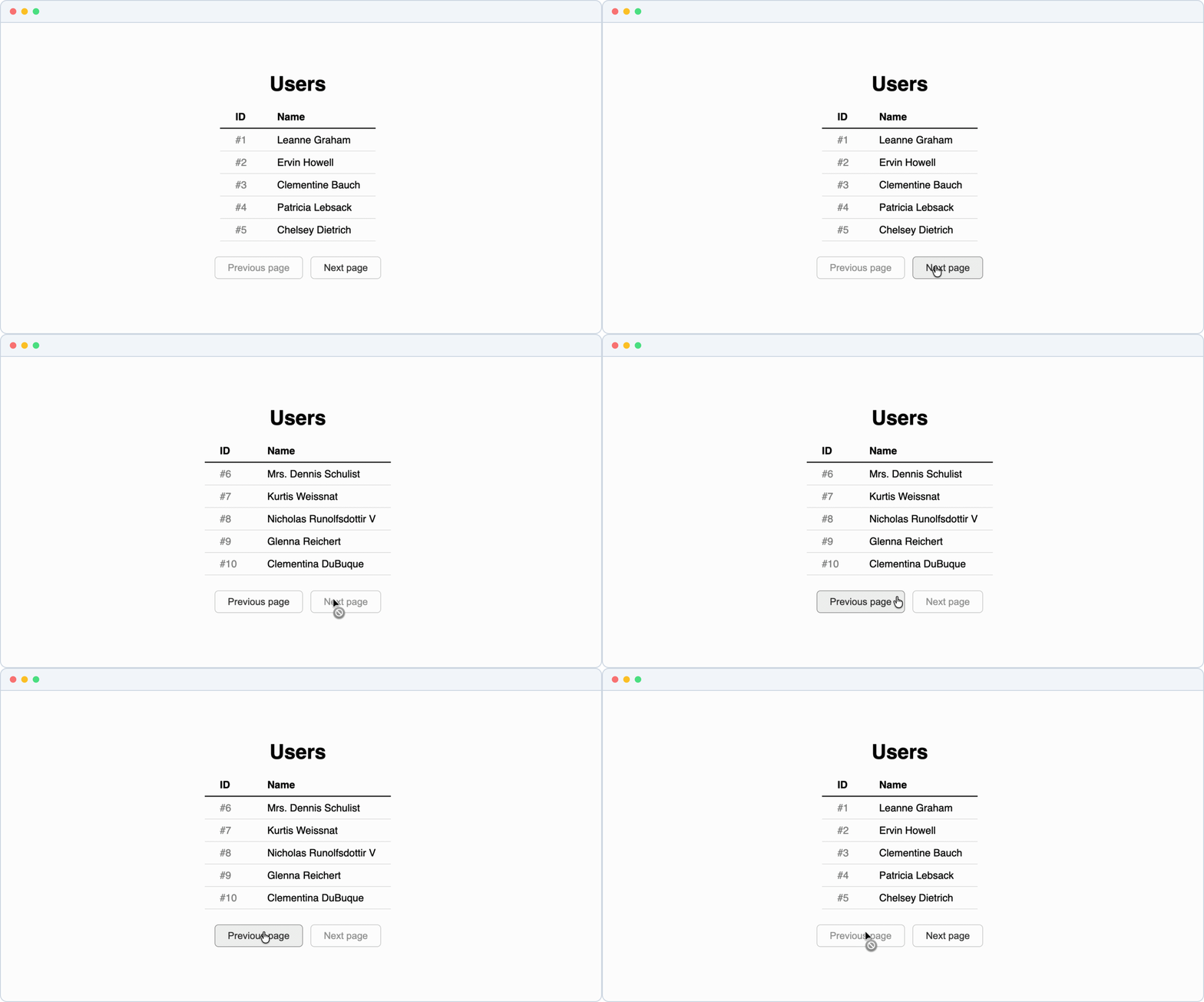
With the code in place, the app shows five users in the list and the pagination buttons:
Comparison With OpenSpec
To compare the workflows, I implement the same pagination feature with OpenSpec. It also achieves the goal but produces more artifacts along the way. The process starts with four markdown files:
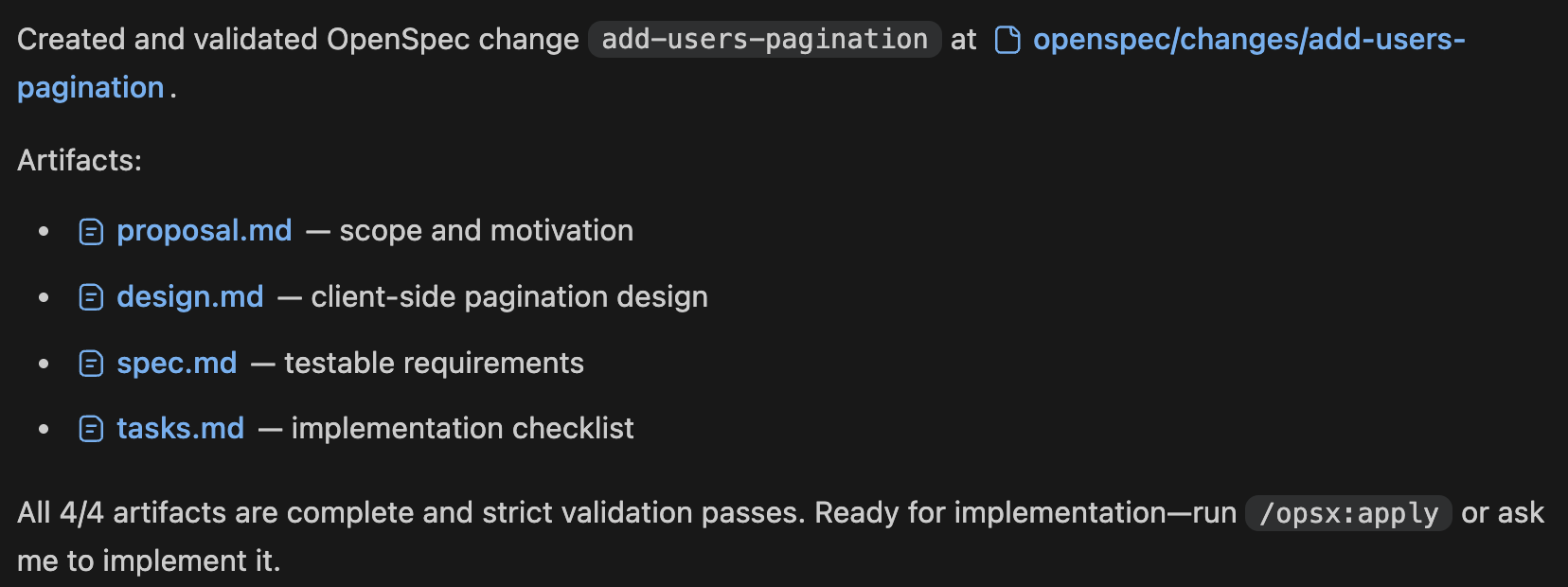
I quickly review all four files and start implementation.
After implementation and archiving, the workflow leaves six files in the repository:
openspec/├── changes/│ └── archive/│ └── 2026-07-10-add-users-pagination/│ ├── .openspec.yaml│ ├── design.md│ ├── proposal.md│ ├── specs/│ │ └── users-pagination/│ │ └── spec.md│ └── tasks.md└── specs/ └── users-pagination/ └── spec.mdInterestingly, the final spec.md also contains Gherkin-like scenarios:
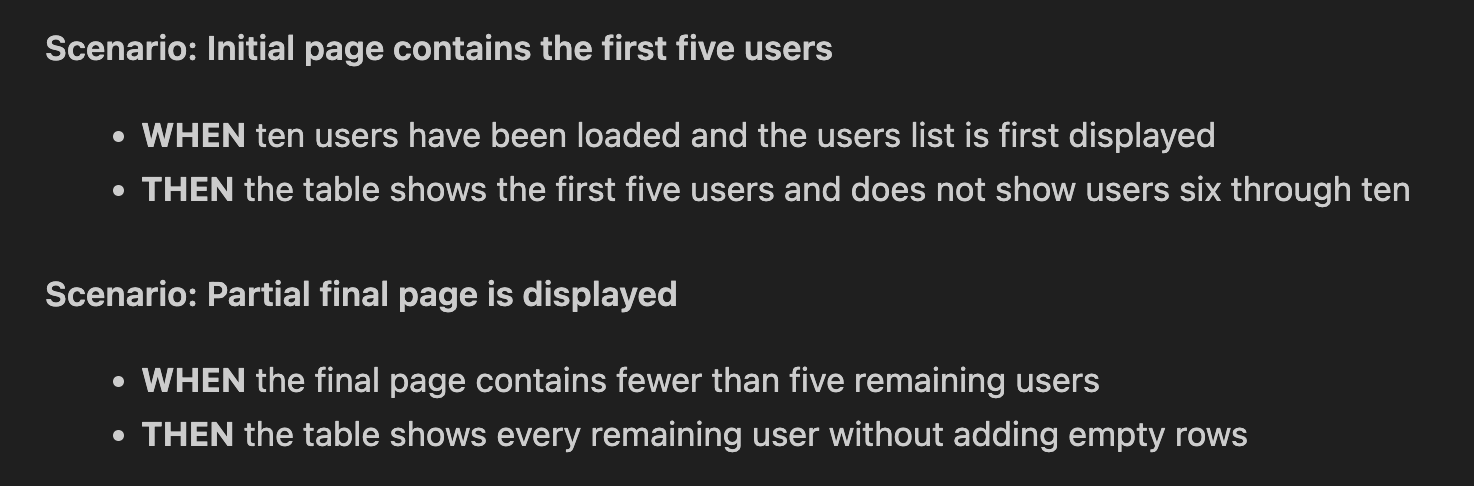
The structure looks familiar, but these scenarios are still text inside a markdown file. They are not executable .feature files and do not run as acceptance tests.
OpenSpec solves the pagination task successfully, but managing its specs becomes an additional part of the process. Creating, archiving, and organizing these artifacts takes more of my time and more agent tokens.
Limitations
I am not saying “never write markdown specs”. Some changes definitely require a design document:
- big multi-component changes
- architecture decisions
- data model changes
- refactoring
- migrations
- performance optimizations
For such complex tasks, I either omit BDD or keep it as one step in the broader process. It captures the business flow, while design documents cover architecture, data, and implementation details.
This leads to a simple rule I use:
If a feature has a clear business flow, I capture this knowledge in a BDD scenario.
Takeaway
In agentic development, a BDD scenario is both a conversation and an automated test. I use the scenario diff as a planning surface and iterate with the agent until the expected behavior is clear. Then the agent implements the behavior and automates the same scenario with Playwright-BDD.
When the implementation is done, the only artifact I usually keep is the .feature file. It explains the behavior to humans, verifies the behavior in tests, and stays in sync with the code as the application evolves.
You can find the complete code for this pagination example on GitHub. Feel free to experiment with it and share your experience with coding agents in the comments.